
Controls for Strength to Grow Your Arm
Standard Roblox movement plus tap-to-lift and tap-to-smash on six-player servers.
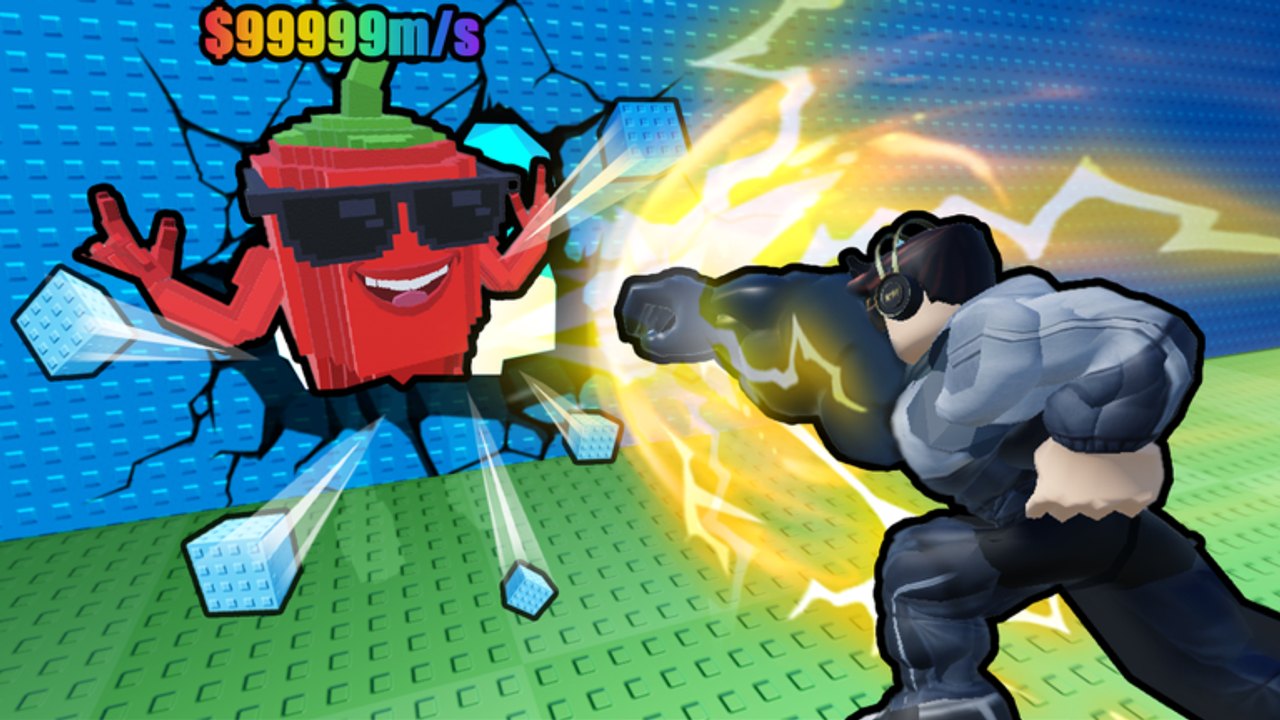
Strength to Grow Your Arm uses ordinary Roblox controls. There is no hidden combo, no charge bar this wiki can confirm, and no special smash key. You move, you jump, you drag the camera, and you click or tap to interact with weights and walls. The difficulty is not the bind. It is doing those things while a huge right arm fills the screen and five other lifters share a six-player server.
Core X Games shipped this free incremental simulator on 12 June 2026. Voice chat and camera features are listed as not supported on the experience page, so you will not be calling pads over mic. Play is visual: walk to the bar, interact, walk to the crack, interact, carry the Brainrot home. If you have not done that loop yet, play Getting Started after you skim this table.
PC versus mobile
| Action | PC | Mobile |
|---|---|---|
| Move | WASD | On-screen thumbstick (left stick on a controller) |
| Jump | Space | On-screen jump button |
| Camera | Mouse drag | Finger drag |
| Lift a weight | Click or tap the dumbbell | Tap the dumbbell |
| Smash a wall | Click or tap the wall when you are strong enough | Tap the wall when you are strong enough |
| Carry / interact | Click or tap the Brainrot or base prompt | Tap the Brainrot or base prompt |
That is the whole map. If an interact does nothing, you are either too far away, clicking the wrong prop, or not strong enough for that wall. Go back to the heaviest bar you can still lift — How to Grow Your Arm — instead of mashing the same sealed surface.
Click or tap to lift
Weights are props. Walk into range and click or tap them. You do not need a gym-game minigame this wiki has not confirmed. If the bar does not move, it is too heavy. Step down. If it is trivial, buy the next dumbbell with Coins and switch. Rank the shop on the dumbbell tier list.
On mobile, keep the thumbstick clear of the dumbbell. A stuck stick walks you off the pad mid-rep and looks like a broken lift. On PC, click the bar, not the player in front of it. Six people around one popular weight means your cursor will hit avatars. Nudge the camera and click the metal.
Punch, smash, and camera
Smashing is the same interact used on weights, aimed at a wall. How to Smash Walls is the routing page. Here the control note is simpler: look at the crack. A swollen right arm will cover the wall if you never drag the camera. Pull the view out and to the side until you can see both the arm and the surface, then tap.
After a smash, tap the Brainrot in the rubble and walk it home. Jump only when a lip or another player is blocking the path. You do not need parkour. You need a clean carry so How to Get Coins can start. How to Find Brainrots covers what you are grabbing; this page covers not losing it because the camera was inside your own shoulder.
Why six-player servers feel crowded
Server size is 6. That is small enough that you will always see other lifters, and large enough that the popular dumbbell becomes a queue. Everyone wants the strongest bar they can still lift, so the good pad is busy. Wait, take the next-best weight, or strafe around the person mid-rep. Do not stand on a bar you are not using. Do not body-block a cracked wall you cannot break.
Crowding gets worse after New World and New Dumbbell - New Aura, because new walls and new bars create new popular tiles. Read the New World notes and New Dumbbell - New Aura so you know which tile just became the queue. Rank new glows on the aura tier list and keepers on the Brainrot tier list after you are out of the doorway. Broader patch notes live on the updates hub. The tier list hub is the comparison index.
No public promo codes were confirmed in September 2026, so there is no redeem string that adds a private server. Check the codes hub and the codes tracker after patches. Spend questions sit under Players, including free-to-play routing and game pass notes. Automation that clicks every prop for you belongs on Scripts after you can lift and smash by hand. Other walkthroughs are listed on the Guides Hub.
Six players around one popular dumbbell is the design, not a bug. Strafe, wait your tap, smash, and leave the pad. The camera will lie if you never drag it off your own oversized arm.
Frequently Asked Questions
Quick answers to the most common questions.
What are the PC controls?
WASD to move, Space to jump, mouse-drag to look, click to lift a weight or smash a wall. There is no separate smash key confirmed on this wiki.
What are the mobile controls?
On-screen thumbstick to move, jump button to jump, drag to look, tap to lift or smash. Keep the stick clear of the dumbbell so you do not walk off the pad mid-rep.
Why can I not smash this wall?
Usually you are not strong enough, not missing a bind. Grow the right arm on a weight you can actually lift, then tap the crack again. See How to Smash Walls.
Why is the popular dumbbell always taken?
Servers hold six players and everyone wants the strongest bar they can still lift. Wait, take the next-best weight, and do not occupy a pad you are not using.
Is voice chat supported?
The experience page lists voice chat and camera as not supported. Play is standard movement plus tap-to-interact. Be readable with your pathing instead of trying to call pads over mic.
Do I need a different layout after New World?
The binds stay the same. New World adds walls, which adds new tiles people crowd. Read the New World notes and go test fresh cracks instead of fighting over emptied spawn pads.